Bulk actions on Procore, made simple.
From regular item updates to cross-company data model alignement, Admin Helper equips Procore Admins with a complete toolset to automate repetitive tasks and ensure data integrity.
Powerful features to make your admin job easier
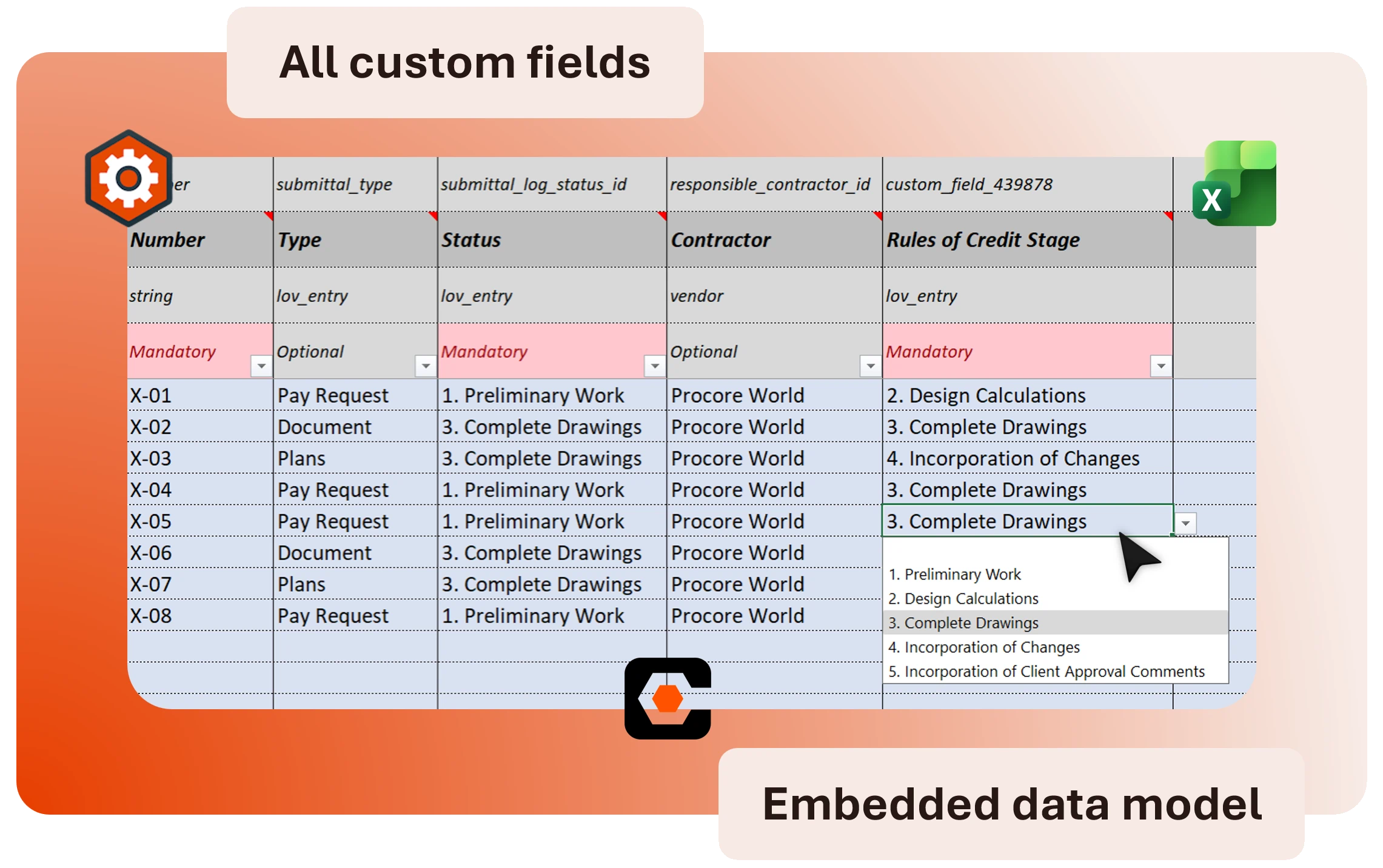
Smart Bulk Export & Import
Download a project- and tool-specific Excel file with all existing items, complete data models, and integrated drop-down lists. Modify your data in bulk and re-upload to create or update items in one click.
- Correspondence items
- Submittals
- Inspections
- Observations
- Punch items
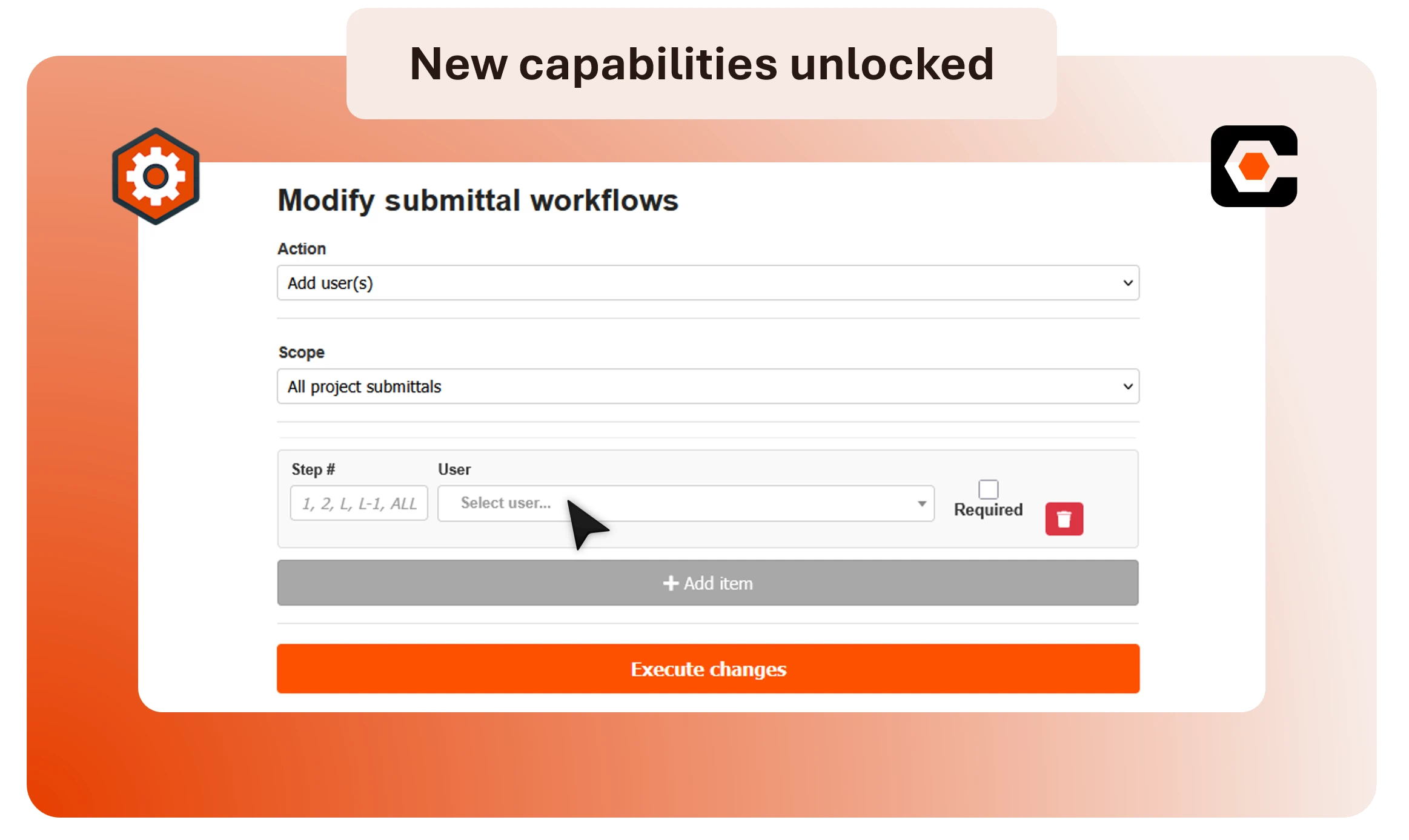
Key project admin actions
Automate the tedious administrative tasks that slow you down. From cleaning up inspection templates to reorganizing submittal workflows, handle project maintenance in seconds.
- Bulk add / remove attendees to meetings
- Bulk archive project inspection templates
- Bulk update submittal workflows even after they have started
- One-click custom extract of a submittal log report
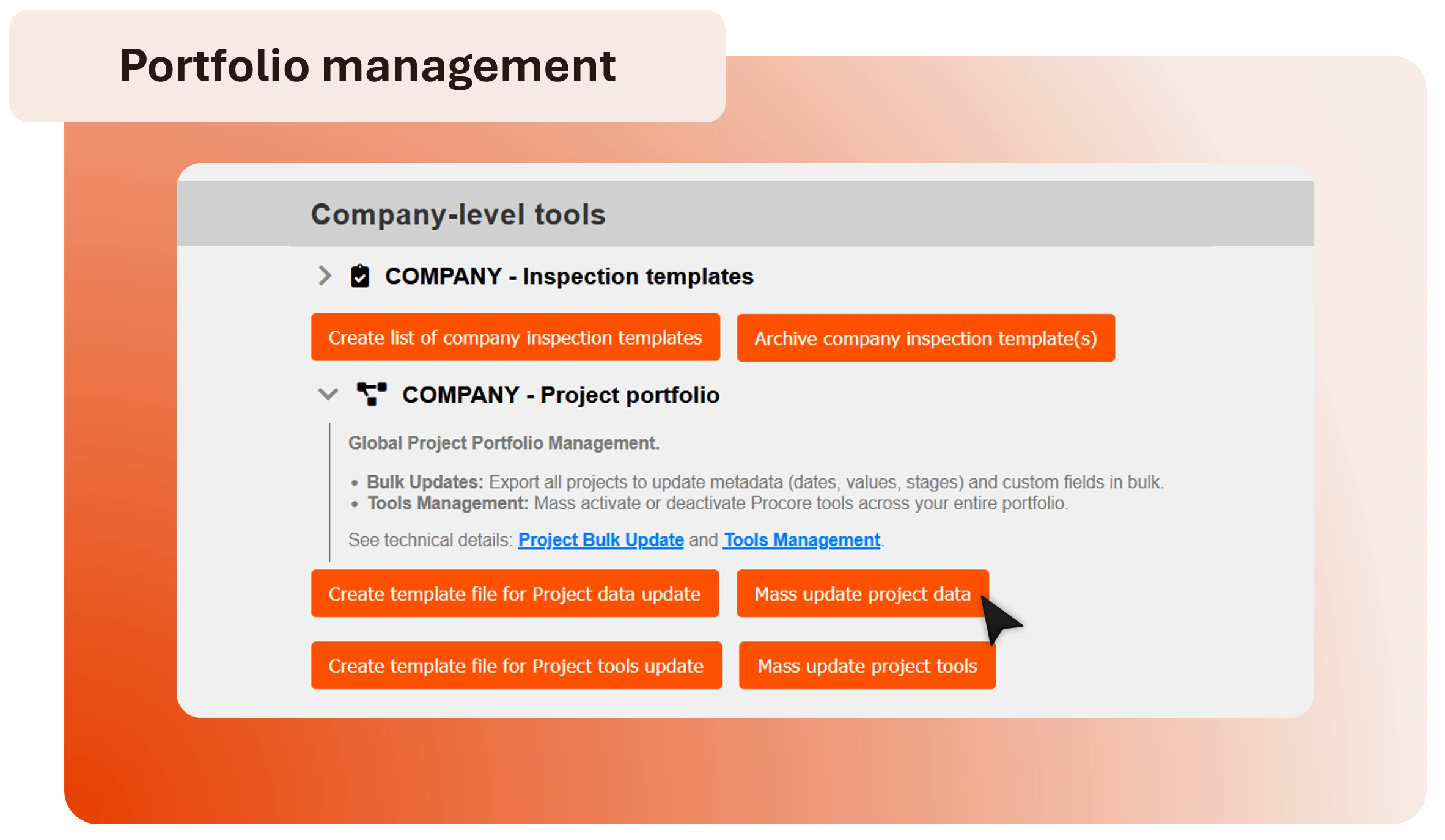
Bulk actions at portfolio level
Manage your entire project portfolio from a single view by updating master data, tools, and viewing configuration across multiple projects simultaneously.
- Bulk update project master data
- Bulk update project tools activated
- Extract all fieldset details over your selection of tools
- Extract all project & company inspection templates in a single file
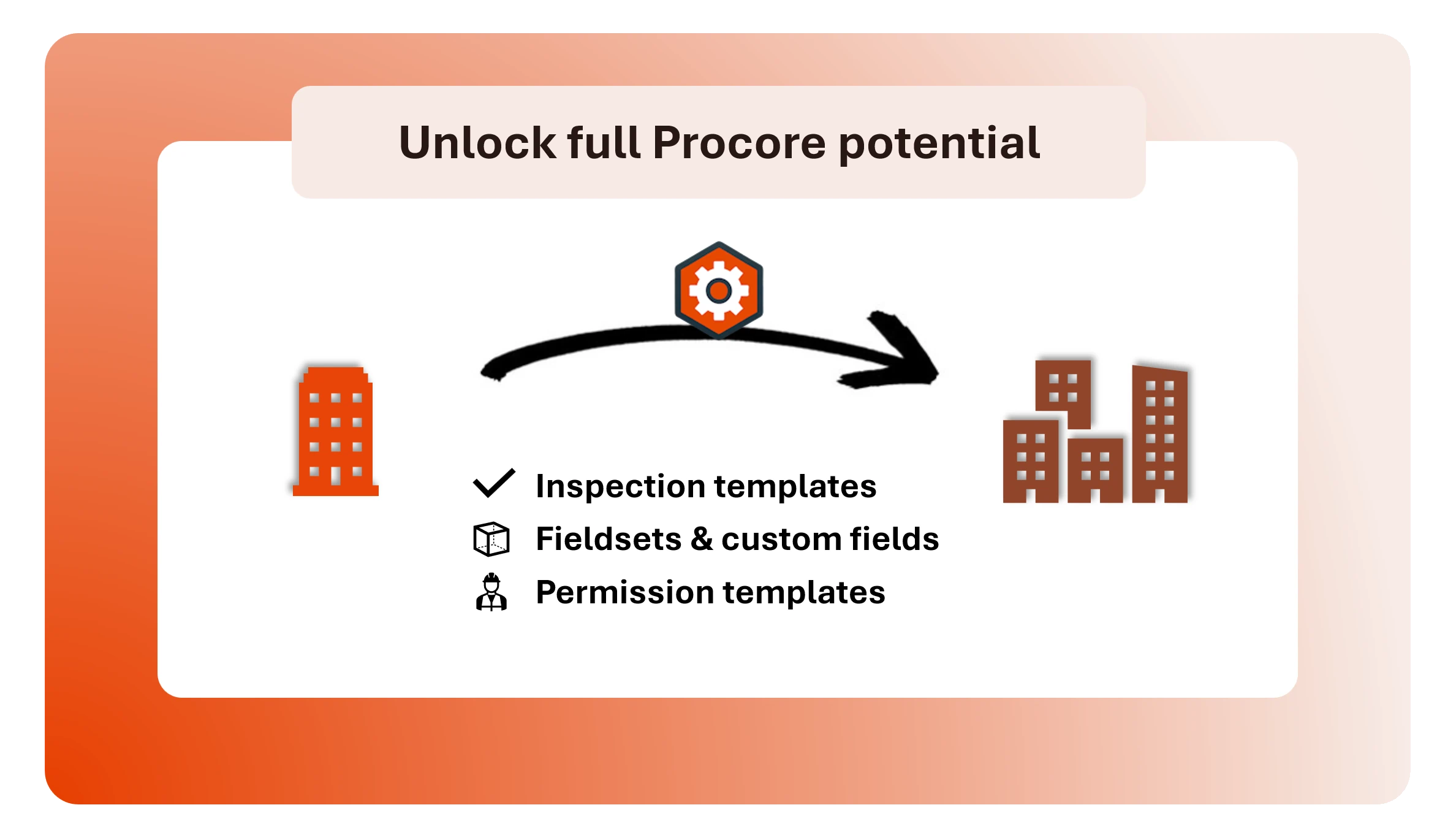
Enterprise-level actions across companies
A unique solution for multi-instances management. Save signifitant time and increase quality by replicating your Procore templates & fieldsets across all your companies.
- Clone company inspection templates from one company to another
- Replicate custom fields and fieldsets from one company to another
- Replicate permission templates from one company to another
Tailored to your configuration
Full Custom Fields support
Includes all your custom fields in all exports & imports. Seamlessly export and import all data types and fieldsets, ensuring your unique business processes are never compromised.
Flexible Identity
Choose to perform bulk actions under your own Procore profile or use a dedicated technical user for bulk imports.
Smart Excel Templates
Stop guessing data formats and values. Our exports include your complete data model and all Procore drop-down lists directly inside the file for a guided, error-free editing experience.
Unified Experience across Modules
A single, versatile workflow for both creating & updating all your records. Create hundreds of new items or update existing ones simultaneously within the same file.
Safeguard mechanisms
Validation & Control rules
Import with total peace of mind. Our engine performs a full compatibility check and runs advanced control rules to validate your data before any real import occurs.
Strict Permissions
Admin Helper strictly respects your Procore permissions: users can only perform actions they could already do within Procore - but much faster!
Procore Native Traceability
Every action performed by Admin Helper is logged in the native Procore Change History, ensuring a transparent audit trail for your organization.
Audit Logs via Email
All data extracts, import details and log reports are automatically sent to your email for permanent historization.
User Access & Governance
Login through Procore
Access is strictly nominative and managed directly through Procore login. No additional credentials to manage, no password fatigue, less risks.
Optional Service Account
The use of a service account is entirely optional; you decide exactly which permissions to grant it, or choose to run all actions via your user directly.
Scalable for Every Business
From solo admins to global enterprises. Our modular architecture allows you to activate only the features you need, matching your company size and complexity.
Split Export/Import Rights
Differentiate user rights between "Export only" for data analysis and "Import" for bulk updates to prevent unauthorized data changes.